Month: September 2011

  • How to make Android CheckBox and RadioButton custom style

    How to make Android CheckBox and RadioButton custom style

    Hi,

    Anybody know that real cool Android application must have not only excelent business logic. The one of the most important things what application must have is a nice UI.

    If you want to create realy interesting application you need to create good UI. And …. hire a designer 🙂

    Below i want to tell you how to create your own CheckBoxes and RadioButtons for your Android Applications. Sorry for this sample UI design. I didn’t hire a designer :).

    First look at screenshot:
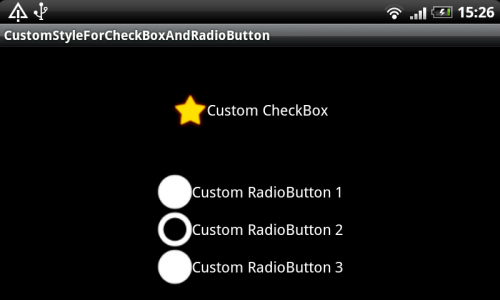
    Here you can see simple app with only one activity. Also below you can download the source code of Android project.

    To make your own style for CheckBox or RadioButton you need to do next:

    • Create Image Drawables for their two stater (checked/unchecked)
    • Create selector for this two drawables. The sample content must be seem like this:
    <?xml version="1.0" encoding="utf-8">
    <selector xmlns:android="http://schemas.android.com/apk/res/android">
        <item android:state_checked="true" android:drawable="@drawable/star_down"></item>
        <item android:state_checked="false" android:drawable="@drawable/star"></item>
    </selector>
    • Add this selector as android:button attribute for CheckBox or RadioButton
    <CheckBox android:text="Custom CheckBox" 
        android:button="@drawable/checkbox_selector" 
        android:layout_width="wrap_content" 
        android:layout_height="wrap_content">

    That’s all. To make custom style for CheckBox and RadioButton you must do same steps.
    Here you can download the Android project with the sample.

    Download it from github
  • How to make custom indeterminate ProgressBar in Android or how to change ProgressBar style or color

    How to make custom indeterminate ProgressBar in Android or how to change ProgressBar style or color

    Hi,

    Here i want to show you how easily make your own Android ProgressBar style or how to change ProgressBar color.

    It is very easy! Also below you can download source code of Android project.

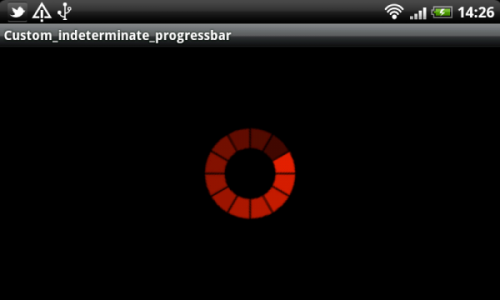
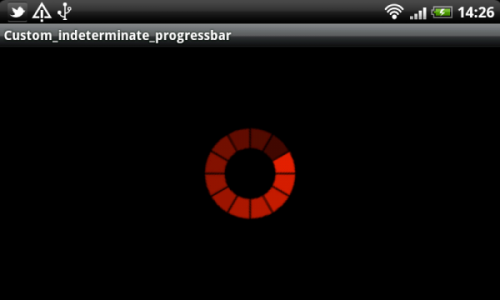
    Below you can see the screenShot with ProgressBar

    Indeterminate ProgressBar style

    To do this you need:

    • Create the image for this ProgressBar in any graphical editor.
    • Create animation drawable with content:
    <?xml version="1.0" encoding="utf-8"?>
    <animated-rotate 
        xmlns:android="http://schemas.android.com/apk/res/android" 
        android:drawable="@drawable/image_for_rotation" 
        android:pivotX="50%"
    	android:pivotY="50%" />

    Where @drawable/image_for_rotation is the resource of your progressBar image.

    Select android:indeterminateDrawable for ProgressBar witget.

    <?xml version="1.0" encoding="utf-8"?>
    <LinearLayout xmlns:android="http://schemas.android.com/apk/res/android"
        android:orientation="vertical"
        android:layout_width="fill_parent"
        android:layout_height="fill_parent"
        android:gravity="center">
        <ProgressBar android:indeterminateDrawable="@drawable/my_progress_indeterminate" android:layout_height="100dp" android:layout_width="100dp"></ProgressBar>
    </LinearLayout>

    Enjoy! 🙂

    Here you can download Sample project with custom Android ProgressBar.

    Download it from github
  • Sample streaming video mediaplayer or how to stream video from url in Android.

    Sample streaming video mediaplayer or how to stream video from url in Android.

    Hi,

    I want to share you my sample Android video player. This player can play video from URL. Also below you can download source code of Android Maven project.

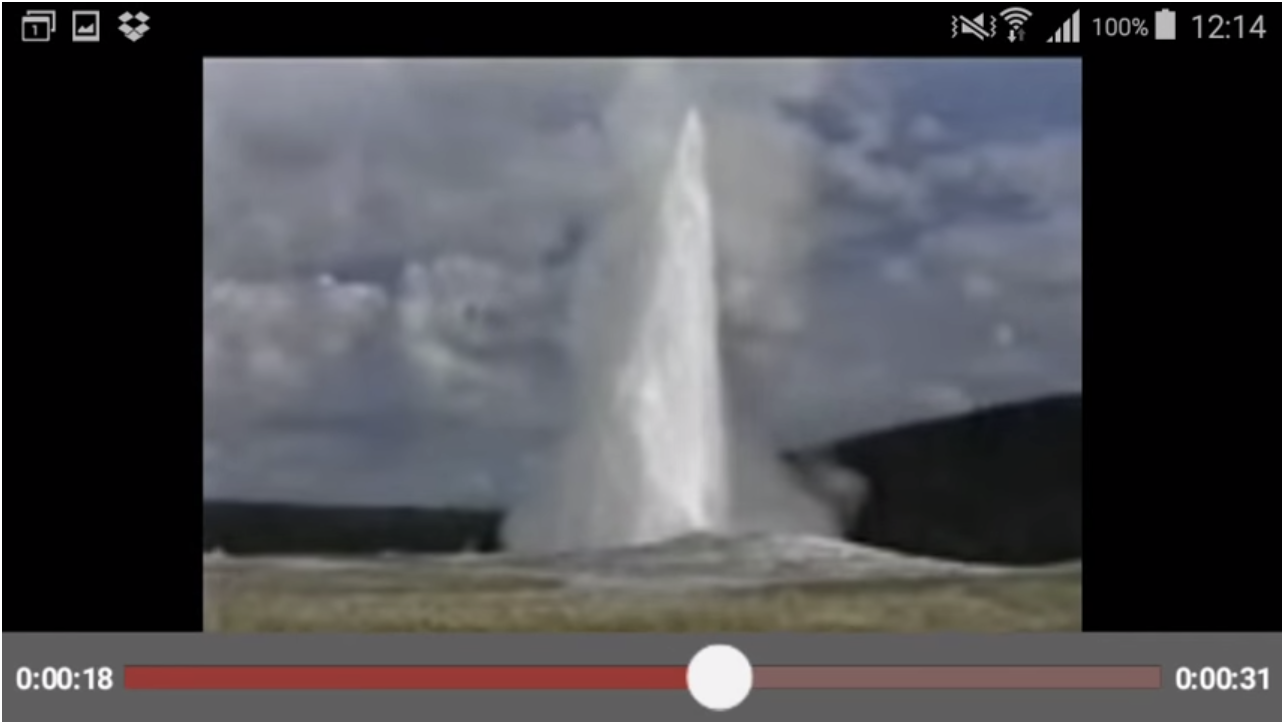
    My player have individual style. What features does the player have:

    • Nice MediaController. I don’t use MediaController from Android API.
    • New SeekBar style
    • Animation for MedeaController. If user don’t touch screen for the 5 seconds then MediaController slow disapears.
    • Pause playing by click the screen. (Like youtube Android application).

    This mediaplayer is not perfect, but it is very good tutorial for newbies. Enjoy!

    Here you can see the video:

    Download it from github