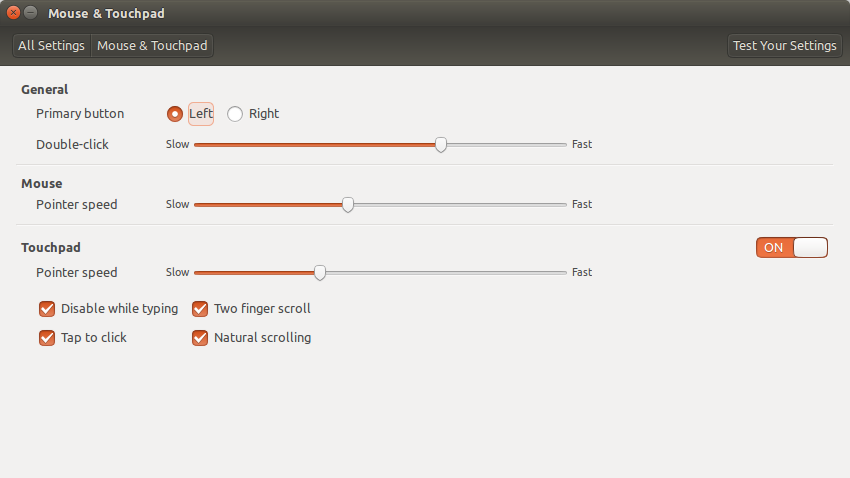
When I’ve updated Ubuntu to 14.04 in Lenovo IdeaPad Z510 laptop then touchpad section disabled from “Mouse and Touchpad” settings (screen below)
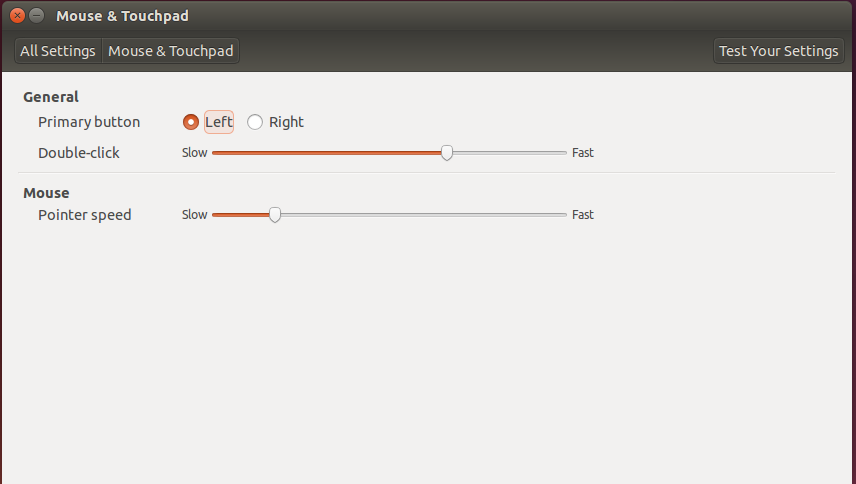
To fix it you need install a lot of software. I try it but it not works for me.
The most fast and simple solution is upgrade linux kernel to 3.14.1.
The workflow is next:
32-Bit Systems
Download the .deb packages.
$ wget kernel.ubuntu.com/~kernel-ppa/mainline/v3.14.1-trusty/linux-headers-3.14.1-031401_3.14.1-031401.201404141220_all.deb

$ wget kernel.ubuntu.com/~kernel-ppa/mainline/v3.14.1-trusty/linux-headers-3.14.1-031401-generic_3.14.1-031401.201404141220_i386.deb

$ wget kernel.ubuntu.com/~kernel-ppa/mainline/v3.14.1-trusty/linux-image-3.14.1-031401-generic_3.14.1-031401.201404141220_i386.deb
Install packages.
sudo dpkg -i linux-headers-3.14.1-*.deb linux-image-3.14.1-*.deb
Reboot your system.
sudo reboot
64-Bit Systems
Download the .deb packages.
$ wget http://kernel.ubuntu.com/~kernel-ppa/mainline/v3.14.1-trusty/linux-headers-3.14.1-031401_3.14.1-031401.201404141220_all.deb

$ wget http://kernel.ubuntu.com/~kernel-ppa/mainline/v3.14.1-trusty/linux-headers-3.14.1-031401-generic_3.14.1-031401.201404141220_amd64.deb

$ wget http://kernel.ubuntu.com/~kernel-ppa/mainline/v3.14.1-trusty/linux-image-3.14.1-031401-generic_3.14.1-031401.201404141220_amd64.deb
Install packages.
sudo dpkg -i linux-headers-3.14.1-*.deb linux-image-3.14.1-*.deb
Reboot your system.
sudo reboot
After reboot your “Mouse & Touchpad” settings will be the next: