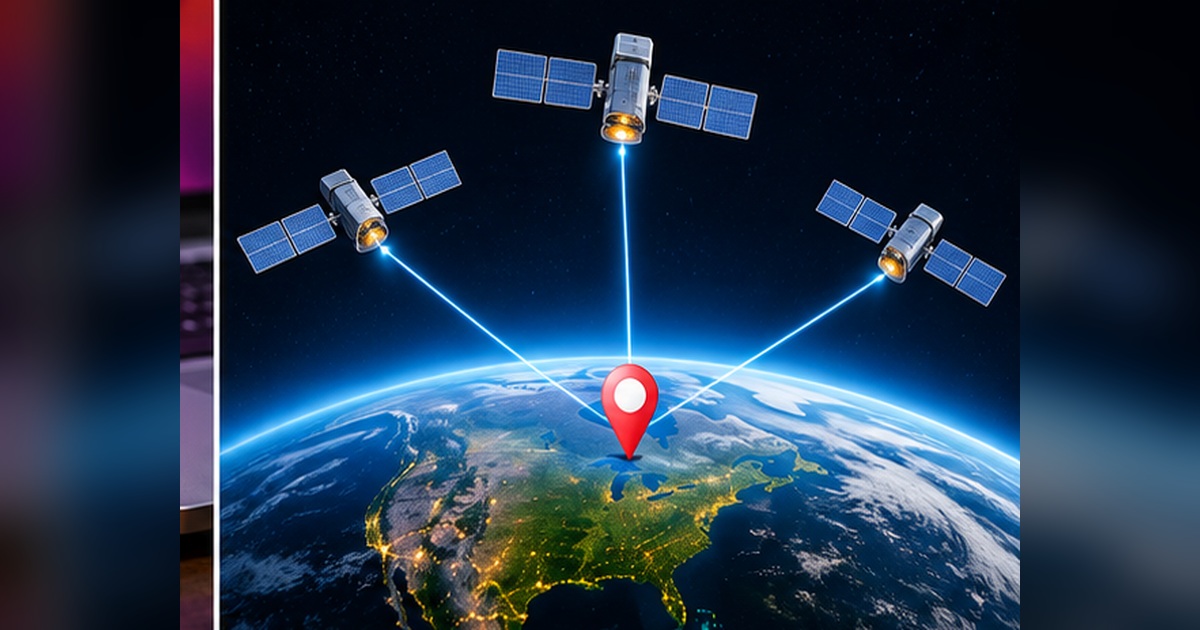
Hi. Here i want show you how to use Android GPS quickly. This is simple, may be not perfect example how to get current location by GPS.
To use GPS in your application first of all you must specify the uses-permission in Android manifest file:
<manifest>
    ...
    <uses-permission android:name="android.permission.ACCESS_FINE_LOCATION"></uses-permission>
    ...
</manifest>
If you don’t set this permission the application can’t get access to location service.
To use this application with android emulator you must mock location data. To do this using Eclipse you must:
- Select Window > Show View > Other > Emulator Control
- In Emulator Control panel enter the GPS coordinates under Location Controls and press Send
This operation you must do every time then you Run application.
Below you can see the application activity (HelloAndroidGpsActivity.java) source. Below you can download the source code of this Android project.
For more information about Android GPS Usage look HERE
package com.hrupin;
import android.app.Activity;
import android.app.AlertDialog;
import android.app.AlertDialog.Builder;
import android.content.Context;
import android.content.DialogInterface;
import android.content.Intent;
import android.location.Location;
import android.location.LocationListener;
import android.location.LocationManager;
import android.os.Bundle;
import android.view.View;
import android.view.View.OnClickListener;
import android.widget.Button;
import android.widget.EditText;
import android.widget.ProgressBar;
public class HelloAndroidGpsActivity extends Activity implements OnClickListener, android.content.DialogInterface.OnClickListener {
private EditText editTextShowLocation;
private Button buttonGetLocation;
private ProgressBar progress;
private LocationManager locManager;
private LocationListener locListener = new MyLocationListener();
private boolean gps_enabled = false;
private boolean network_enabled = false;
/** Called when the activity is first created. */
@Override
public void onCreate(Bundle savedInstanceState) {
super.onCreate(savedInstanceState);
setContentView(R.layout.main);
editTextShowLocation = (EditText) findViewById(R.id.editTextShowLocation);
progress = (ProgressBar) findViewById(R.id.progressBar1);
progress.setVisibility(View.GONE);
buttonGetLocation = (Button) findViewById(R.id.buttonGetLocation);
buttonGetLocation.setOnClickListener(this);
locManager = (LocationManager) this.getSystemService(Context.LOCATION_SERVICE);
}
@Override
public void onClick(View v) {
progress.setVisibility(View.VISIBLE);
// exceptions will be thrown if provider is not permitted.
try {
gps_enabled = locManager.isProviderEnabled(LocationManager.GPS_PROVIDER);
} catch (Exception ex) {
}
try {
network_enabled = locManager.isProviderEnabled(LocationManager.NETWORK_PROVIDER);
} catch (Exception ex) {
}
// don't start listeners if no provider is enabled
if (!gps_enabled &amp;amp;amp;&amp;amp;amp; !network_enabled) {
AlertDialog.Builder builder = new Builder(this);
builder.setTitle("Attention!");
builder.setMessage("Sorry, location is not determined. Please enable location providers");
builder.setPositiveButton("OK", this);
builder.setNeutralButton("Cancel", this);
builder.create().show();
progress.setVisibility(View.GONE);
}
if (gps_enabled) {
locManager.requestLocationUpdates(LocationManager.GPS_PROVIDER, 0, 0, locListener);
}
if (network_enabled) {
locManager.requestLocationUpdates(LocationManager.NETWORK_PROVIDER, 0, 0, locListener);
}
}
class MyLocationListener implements LocationListener {
@Override
public void onLocationChanged(Location location) {
if (location != null) {
// This needs to stop getting the location data and save the battery power.
locManager.removeUpdates(locListener);
String londitude = "Londitude: " + location.getLongitude();
String latitude = "Latitude: " + location.getLatitude();
String altitiude = "Altitiude: " + location.getAltitude();
String accuracy = "Accuracy: " + location.getAccuracy();
String time = "Time: " + location.getTime();
editTextShowLocation.setText(londitude + "\n" + latitude + "\n" + altitiude + "\n" + accuracy + "\n" + time);
progress.setVisibility(View.GONE);
}
}
@Override
public void onProviderDisabled(String provider) {
// TODO Auto-generated method stub
}
@Override
public void onProviderEnabled(String provider) {
// TODO Auto-generated method stub
}
@Override
public void onStatusChanged(String provider, int status, Bundle extras) {
// TODO Auto-generated method stub
}
}
@Override
public void onClick(DialogInterface dialog, int which) {
if(which == DialogInterface.BUTTON_NEUTRAL){
editTextShowLocation.setText("Sorry, location is not determined. To fix this please enable location providers");
}else if (which == DialogInterface.BUTTON_POSITIVE) {
startActivity(new Intent(android.provider.Settings.ACTION_LOCATION_SOURCE_SETTINGS));
}
}
}
Here you can download the source code of this Android project.